VTube Studio Mobile
Connect VTube Studio Mobile tracking to VParamix.
Setup
-
Select VTube Studio (Mobile).
-
Keep the iPhone and PC on the same local network.
-
Activate
3rd Party PC Clientsin VTube Studio on the iPhone.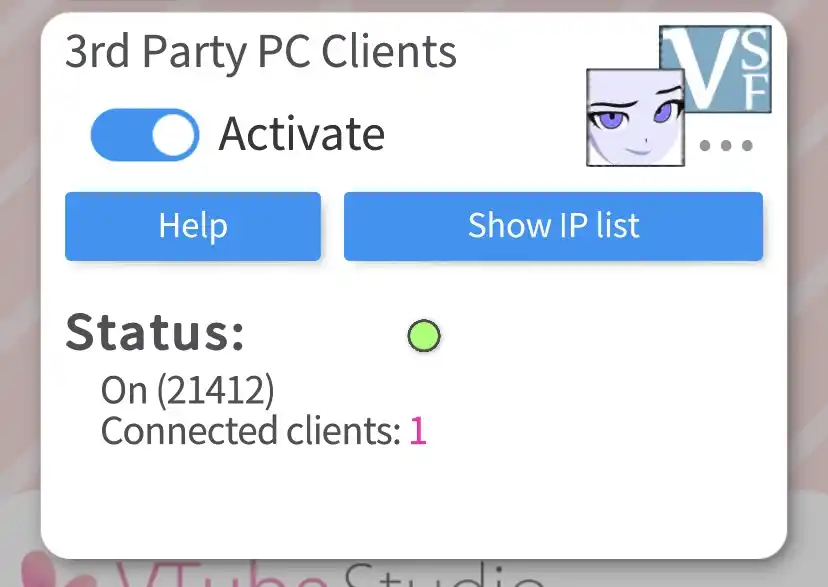
-
Check the phone IP under
Show IP list.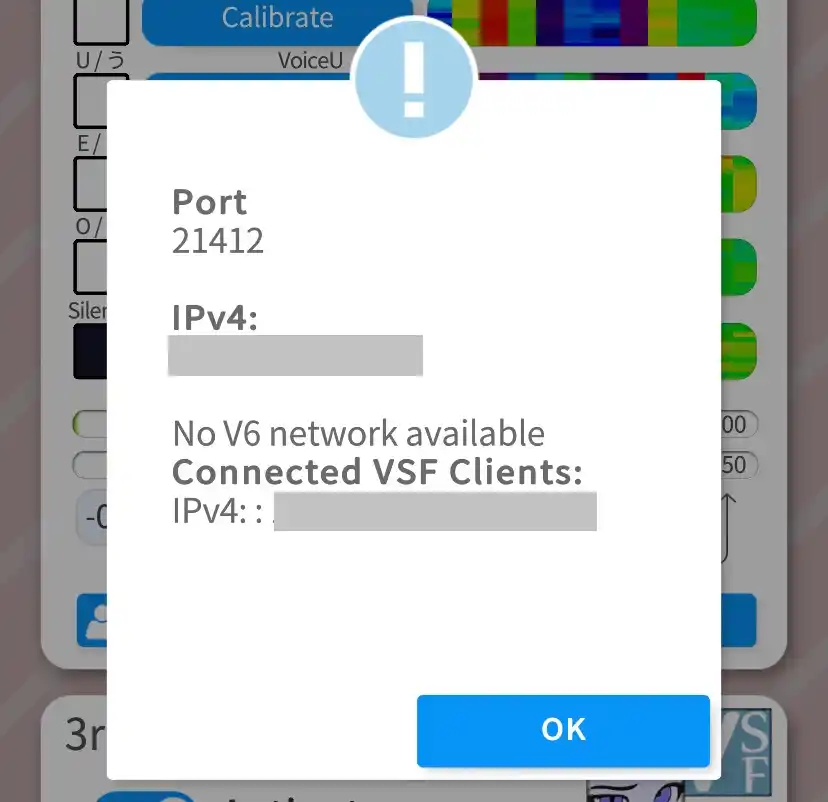
-
Enter the iPhone's IP address in VParamix, then click Connect.
Troubleshoot
If face tracking not work after connected, check here instead.
Last updated on