VTube Studio iOS
Connect VTube Studio iOS tracking to VParamix.
Use this app when your iPhone sends tracking data through VTube Studio iOS tracking.
Setup
-
Select VTube Studio (iOS).
-
Keep the iPhone and PC on the same local network.
-
Activate the
3rd Party PC Clientson iPhone VTube Studio.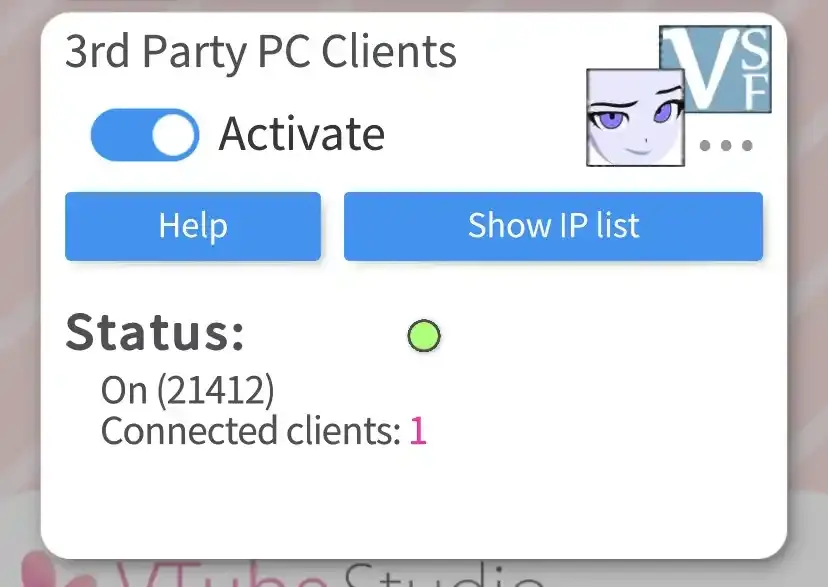
-
Check the phone IP on
Show IP list.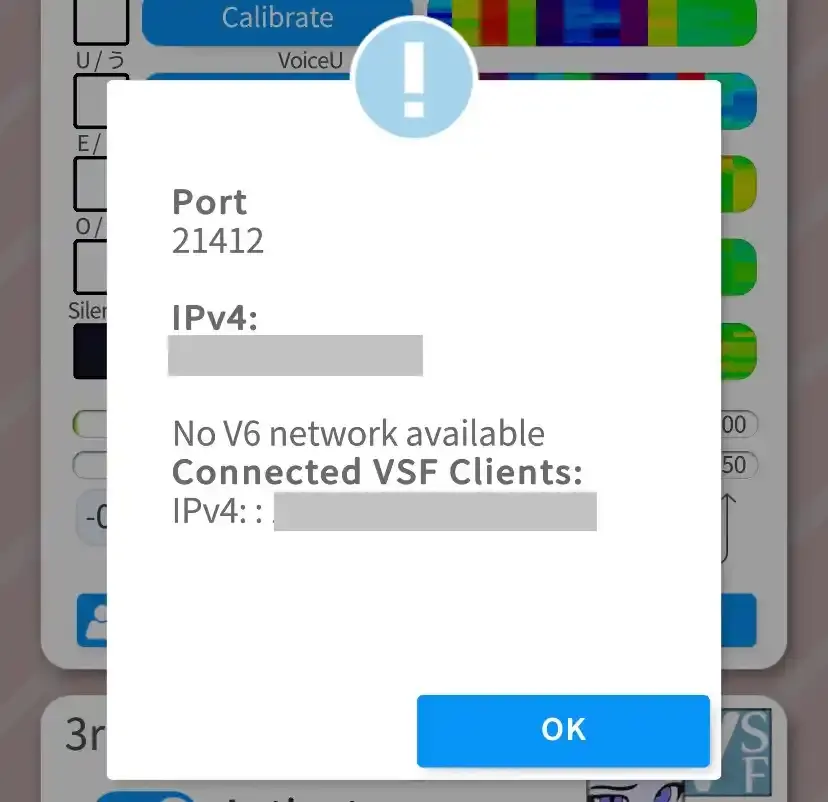
-
Enter the Phone IP Address in VParamix and connect.
If nothing happen after connected, check the IP address and firewall for VParamix on your PC.